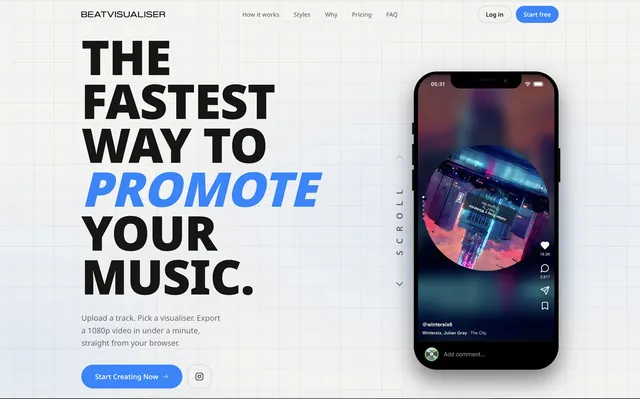
Freemium
Renders 1080p 60fps landscape videos up to 10 minutes locally in the browser.
WebCollection · 14 visualisers · Updated 12 November 2026
A visualiser video is the most common way to put a track on YouTube without filming a music video. These tools render a full-length, landscape (16:9) video from an audio file, with spectrum, waveform, 3D or generated visuals.
They are grouped below by approach: browser video makers, desktop and DAW tools for more control, and AI generators.
Renders 1080p 60fps landscape videos up to 10 minutes locally in the browser.
WebMusic-focused online editor with templates, lyric videos and long-audio support on higher plans.
Web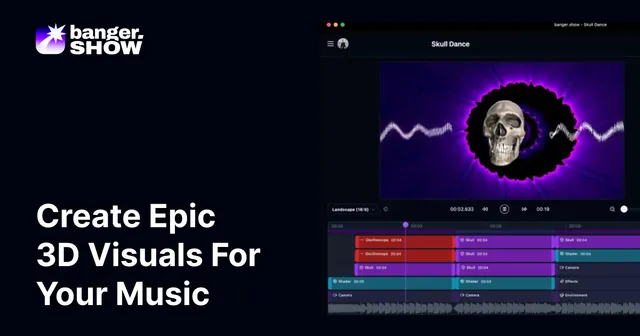
3D scene editor with reactive visualisers and videos up to 60 minutes on its paid plan.
Web Vizzy
Layer-based editor with fine control over which frequencies drive each element.
Web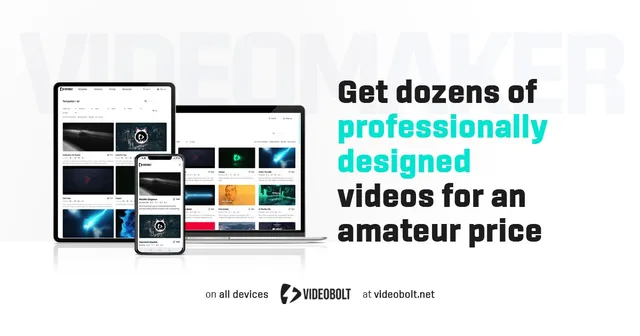
Polished designer templates if you want a finished look quickly.
Web musicvid.org
Free, open-source browser editor with classic Monstercat-style spectrum visuals.
Web · Open source
Automatically edits footage and visualisers to the structure of your track.
WebDesktop node-based tool with frame-accurate offline rendering for custom videos.
Mac · Win ZGameEditor Visualizer
Included with FL Studio, so producers can export a video straight from the project.
Win · Mac
For After Effects users building fully custom audio-driven animation.
Win · Mac TouchDesigner
Node-based environment for bespoke generative videos; free for non-commercial use.
Win · Mac Neural Frames
AI-generated footage driven by separated stems of the track.
Web Spectra
Low-cost iPhone, iPad and Mac app exporting up to 4K 60fps.
iOS · Mac Avee Player
Android app with a template editor and on-device video export.
AndroidSelected tools for this workflow. See our methodology.
YouTube's standard landscape format is 16:9. 1920×1080 (1080p) at 30 or 60 frames per second is a common choice; 3840×2160 (4K) gives YouTube a higher-bitrate stream to serve.